FAQ SECTION
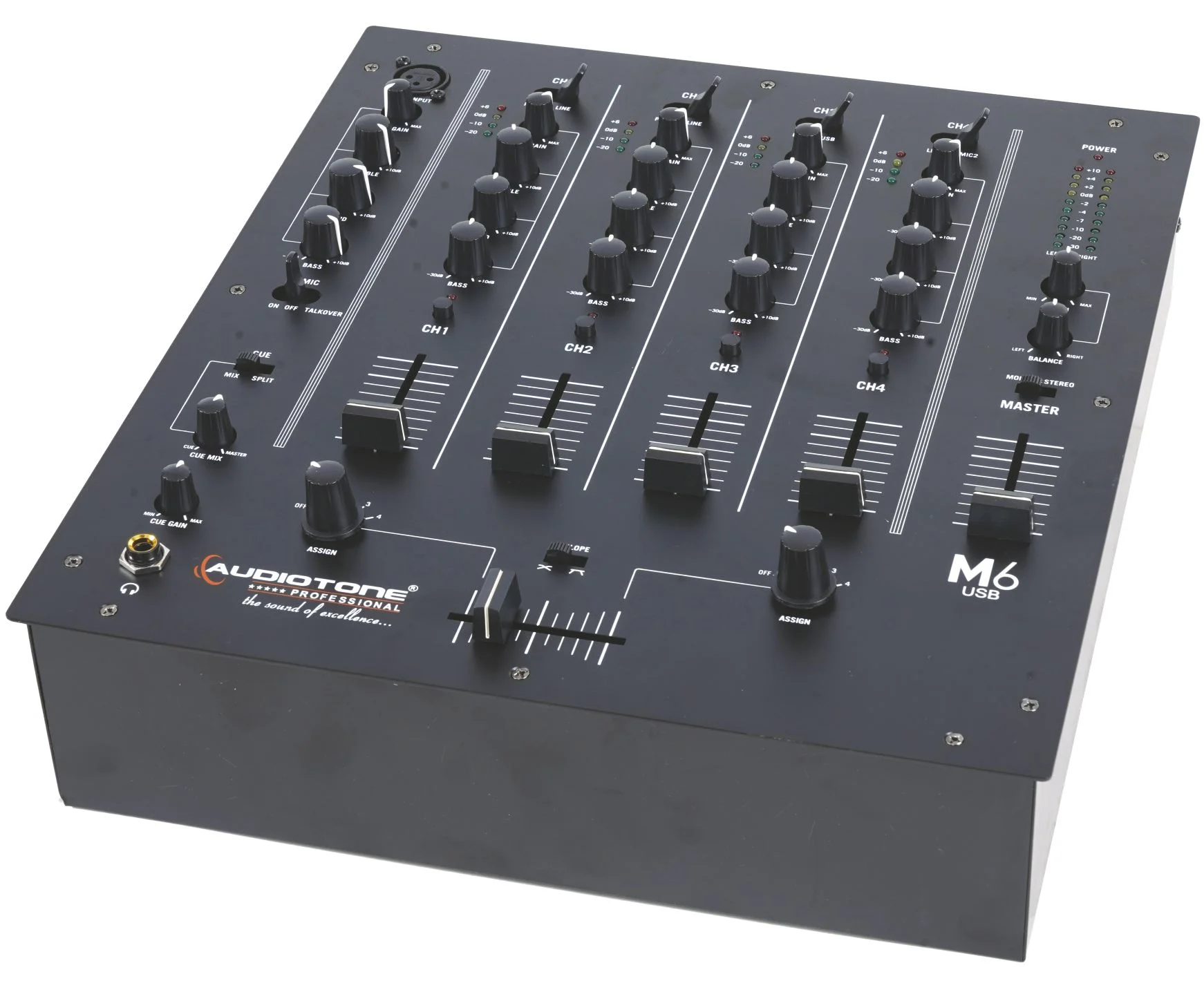
1. What is the M6 USB?
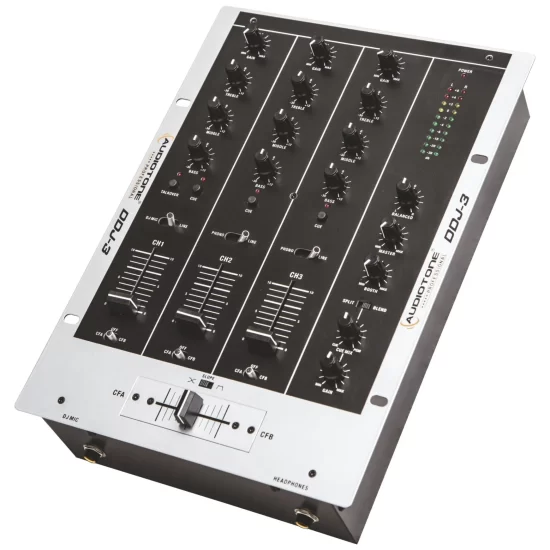
The M6 USB is a 4‑channel DJ mixer with built-in USB audio interface functionality. It lets you connect directly to a Mac or PC for playing music from DJ software and recording your mixes, while also supporting traditional phono, line, and mic inputs.
2. How many input channels does the M6 USB have and what controls are on each channel?
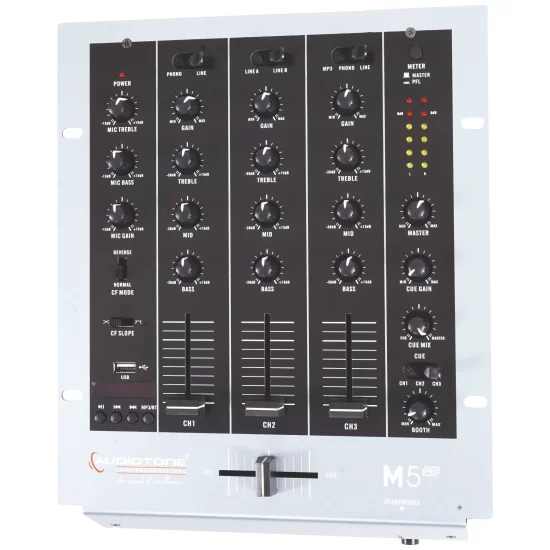
The M6 USB has four input channels, each with:
-
Gain control
-
Three‑band EQ (low, mid, high)
-
LED metering for visual level monitoring
This gives you precise control over tone, level, and balance for each source.
3. How does the USB connection work on the M6 USB?
The M6 USB features a USB computer connection that allows you to:
-
Play music from DJ or music-player software on your Mac or PC
-
Record your mix directly to your computer
It is Class Compliant, so it works immediately with: -
All current and future versions of Mac OS X and iOS
-
Windows (98SE and up)
No additional drivers are required.
4. What types of inputs does the M6 USB support?
The M6 USB supports multiple input types:
-
Phono inputs for turntables
-
Line inputs for CD players, media players, smartphones, etc.
-
Mic inputs for vocals or announcements
This makes it versatile for DJing, live performances, and small events.
5. Does the M6 USB have dedicated mic inputs?
Yes. The M6 USB includes:
-
A dedicated XLR mic channel for high-quality microphone connection
-
An additional mic input on channel
This gives you flexible options for vocals, announcements, or live commentary.
6. What kind of crossfader does the M6 USB have?
The M6 USB features a replaceable crossfader with slope control. You can adjust the crossfader curve to suit your mixing style, from smooth blends to sharp cuts, and easily replace it if it wears over time.
7. Can I assign channels to specific sides of the crossfader on the M6 USB?
Yes. The M6 USB allows you to assign any channel to either side of the crossfader. This gives you flexible routing options, such as assigning different decks, instruments, or sources to the left or right side for custom mixing setups.
8. Is the M6 USB compatible with Mac, iOS, and Windows without drivers?
Yes. The M6 USB is Class Compliant, meaning it is:
-
Immediately compatible with all current and future versions of Mac OS X and iOS
-
Compatible with Windows (98SE and up)
You can plug it in and use it right away without installing additional drivers.
9. What can I use the M6 USB for besides DJ mixing?
Beyond DJ mixing, the M6 USB is ideal for:
-
Recording live mixes to your computer
-
Playing music from DJ or playback software
-
Small live performances with mic and instrument inputs
-
Home studio setups for basic recording and mixing
Its USB interface and multiple input types make it a flexible audio solution.
10. Is the M6 USB suitable for beginners and professional DJs?
Yes. The M6 USB offers:
-
Simple, intuitive controls for beginners (gain, 3‑band EQ, LED metering)
-
Professional features like replaceable crossfader, slope control, channel assignment, and USB recording/playback
It’s a versatile choice for home DJs, club setups, small events, and studio recording.


Reviews
There are no reviews yet.